
PIKOSPACE FOCUS TIMER
Make room for your own pace.
Some tasks need a finish line. Others need space to unfold. Keep an online focus timer beside you, with Timer and Stopwatch modes for different kinds of work.
Start Focusing — FreeYour own little place to begin. Free to get started.
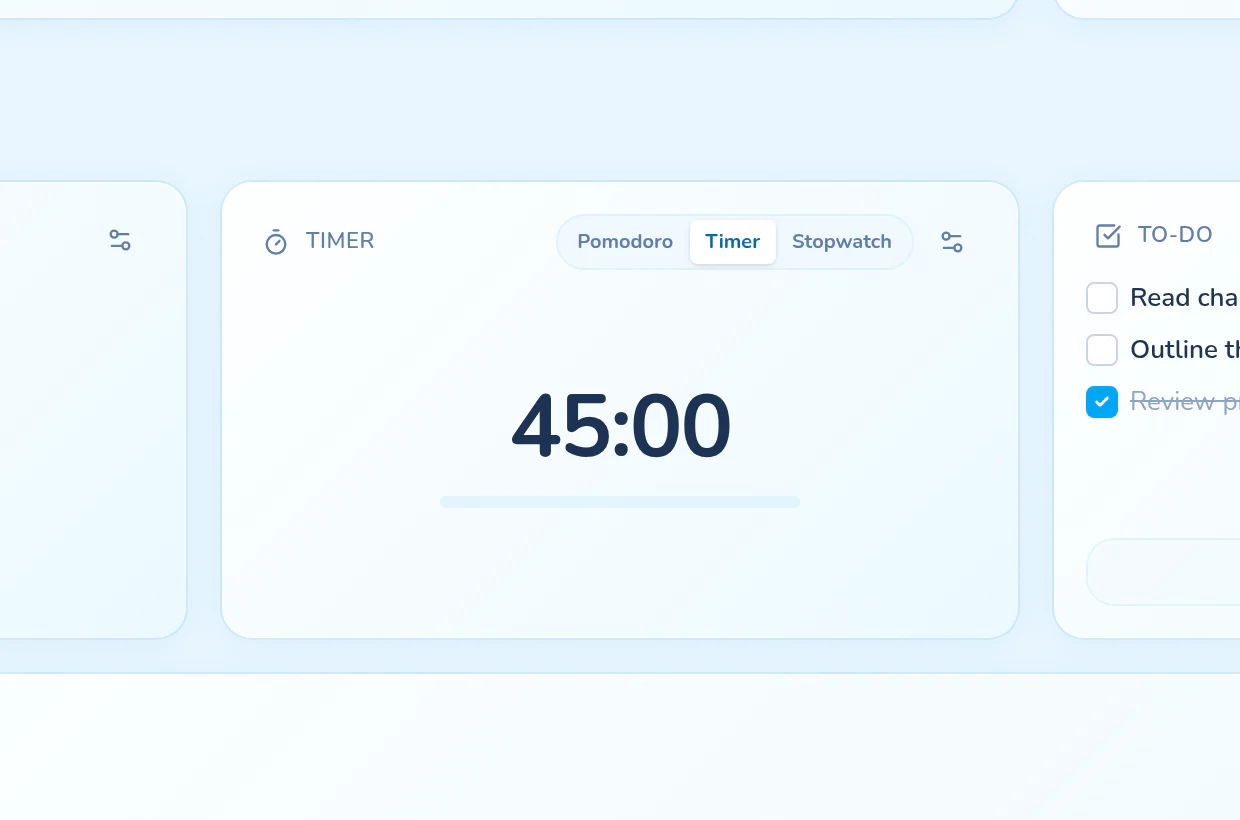
Give a task a pocket of time
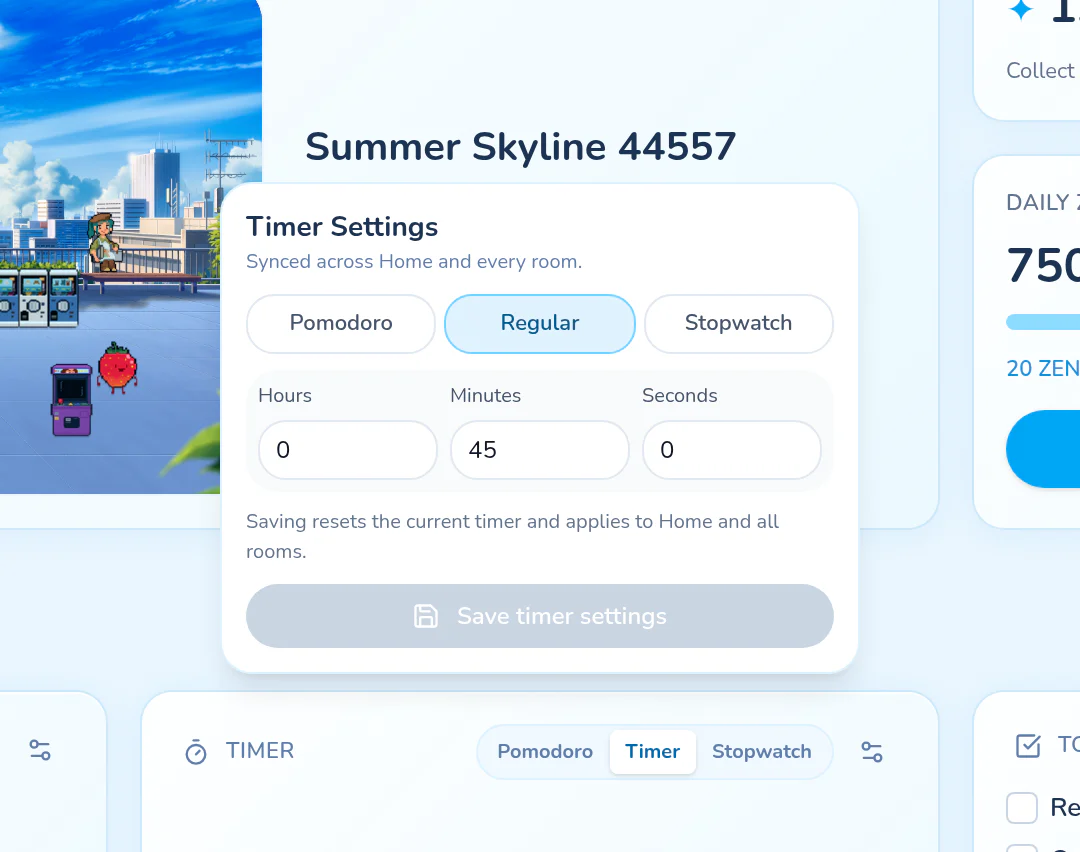
Use Timer mode when you want a countdown for studying, reading, or working through one piece of a project. Choose the duration that makes sense today, then start in the same room where you keep your tools.
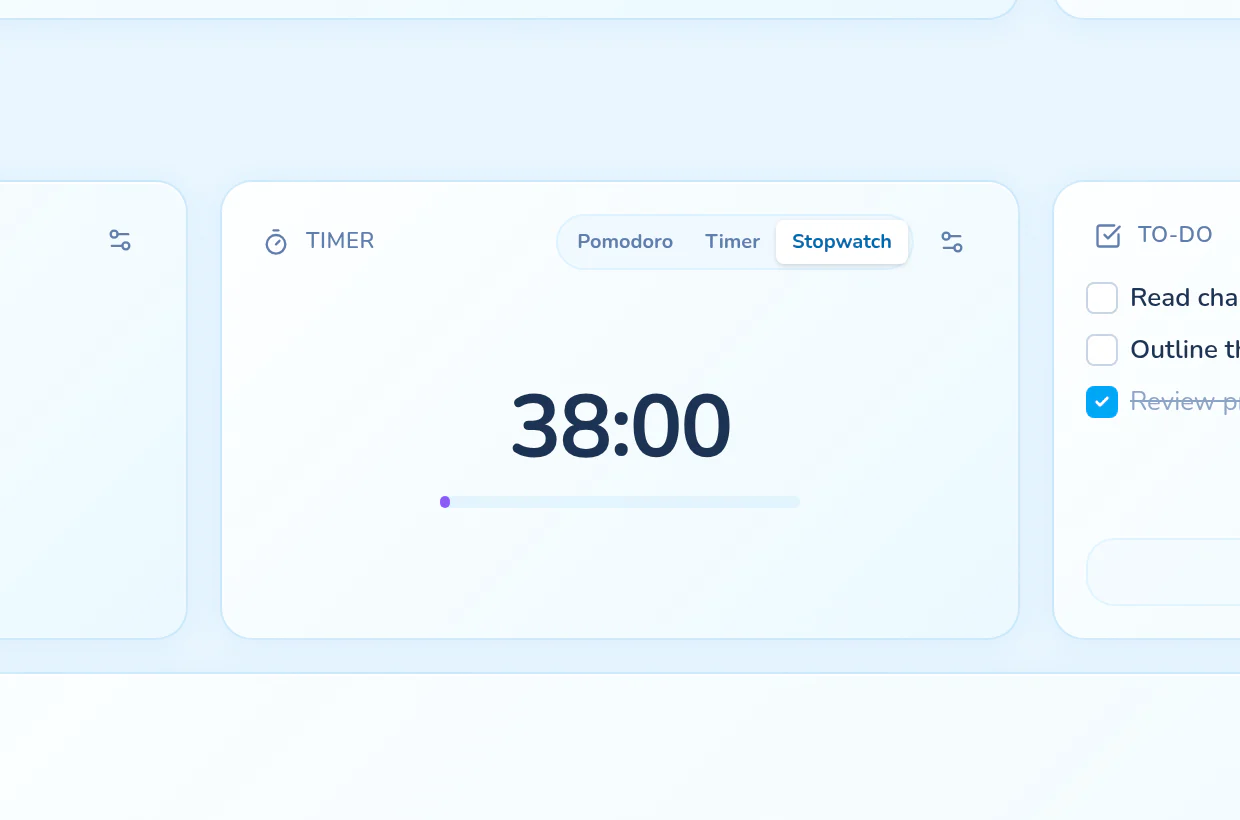
Start without choosing an end
Use Stopwatch mode to count up when you do not know how long a task will take. It is a flexible alternative to a fixed study timer: start, settle into the work, and stop when you are ready.
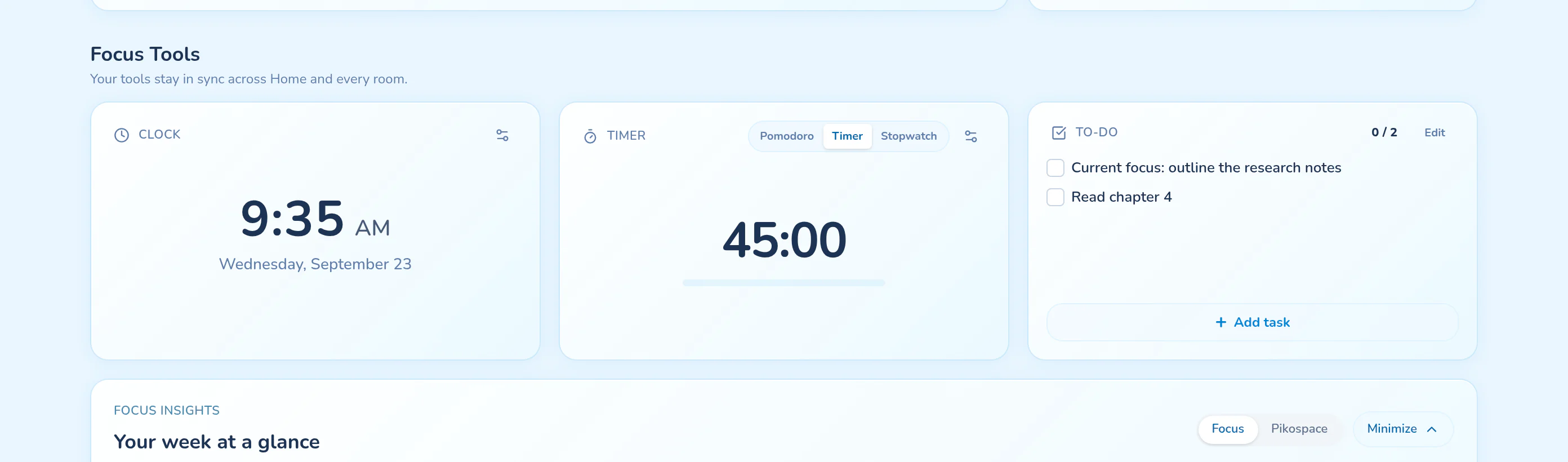
Keep the session connected
Your timer and task list are available on Home and in rooms. Choose a task to focus on and keep it in view while you work. For repeating focus and break intervals, switch to Pomodoro instead of managing each interval yourself.
Look back, without the pressure
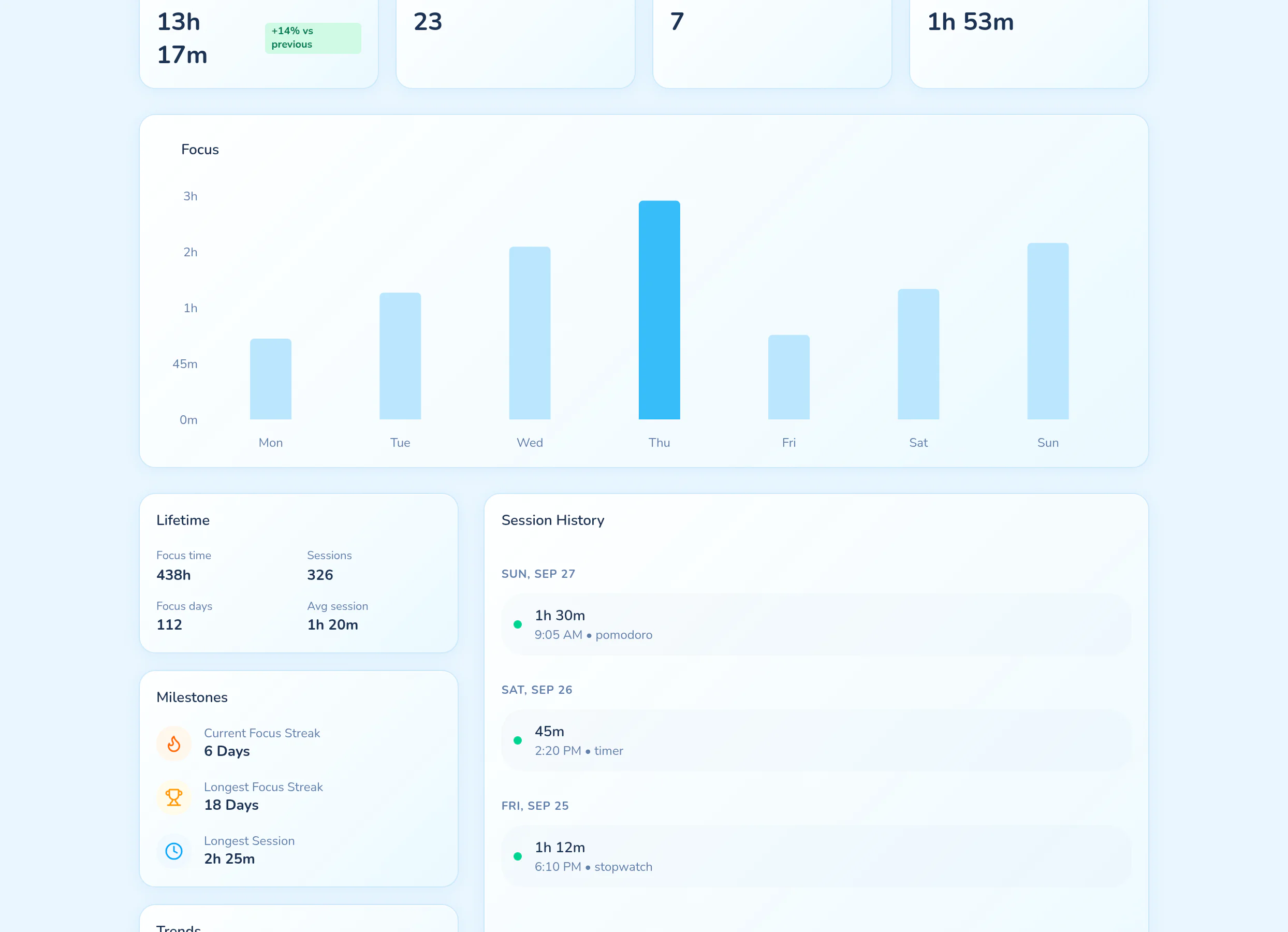
Focus Insights separates recorded Focus Time from Time in Pikospace. Use it to revisit your activity and completed focus sessions rather than assuming that every minute spent decorating or browsing was focused work.
COME MAKE YOURSELF AT HOME
Make focus timer part of your space.
Choose an inviting room, keep your tools nearby, and begin with the time you have.
Start Focusing — Free