
PIKOSPACE POMODORO TIMER
A little structure. A place to settle in.
An online Pomodoro timer does not have to be a page you leave open and forget. In Pikospace, focus and break intervals live inside your own inviting study environment.
Start Focusing — FreeYour own little place to begin. Free to get started.
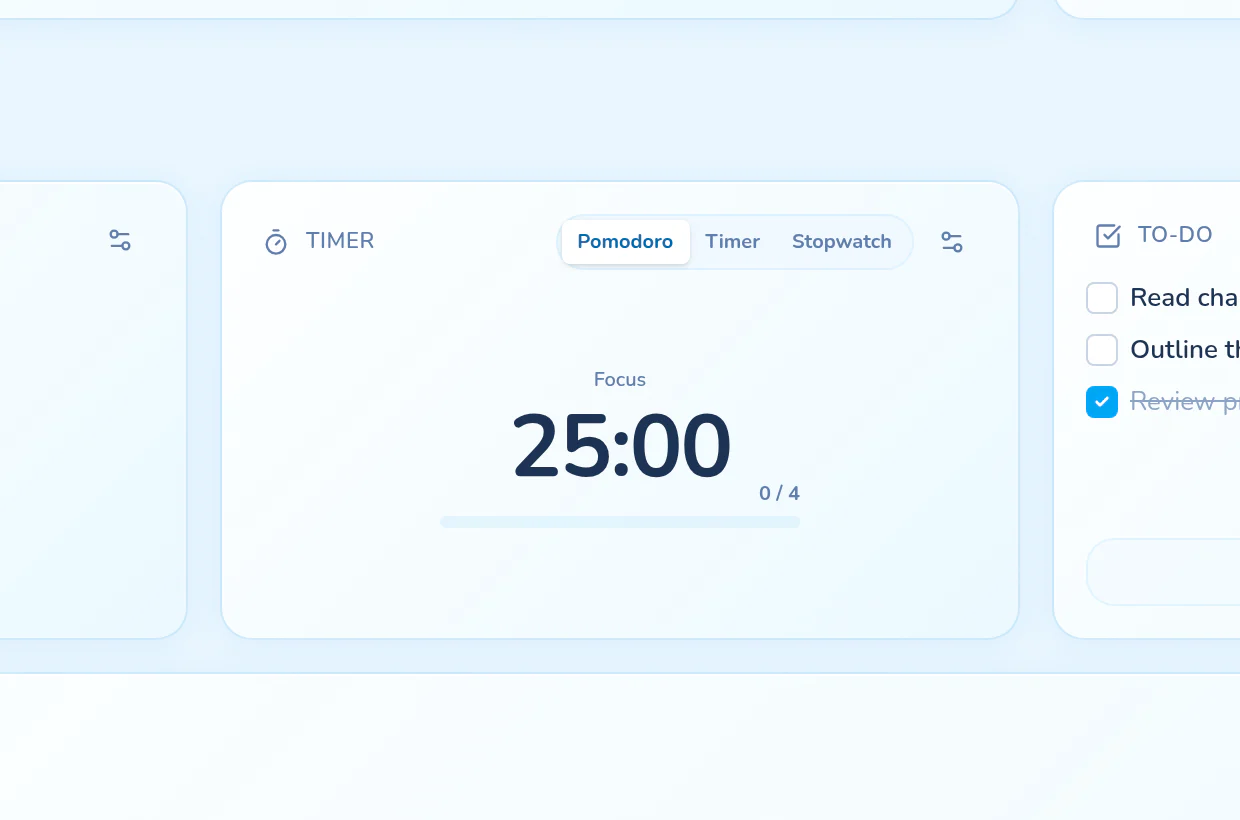
Find a rhythm that fits your task
Set your focus and break durations instead of squeezing every task into the same session. Optional long breaks make room for a longer pause between rounds. Use the Pomodoro technique as gentle structure, not a race.
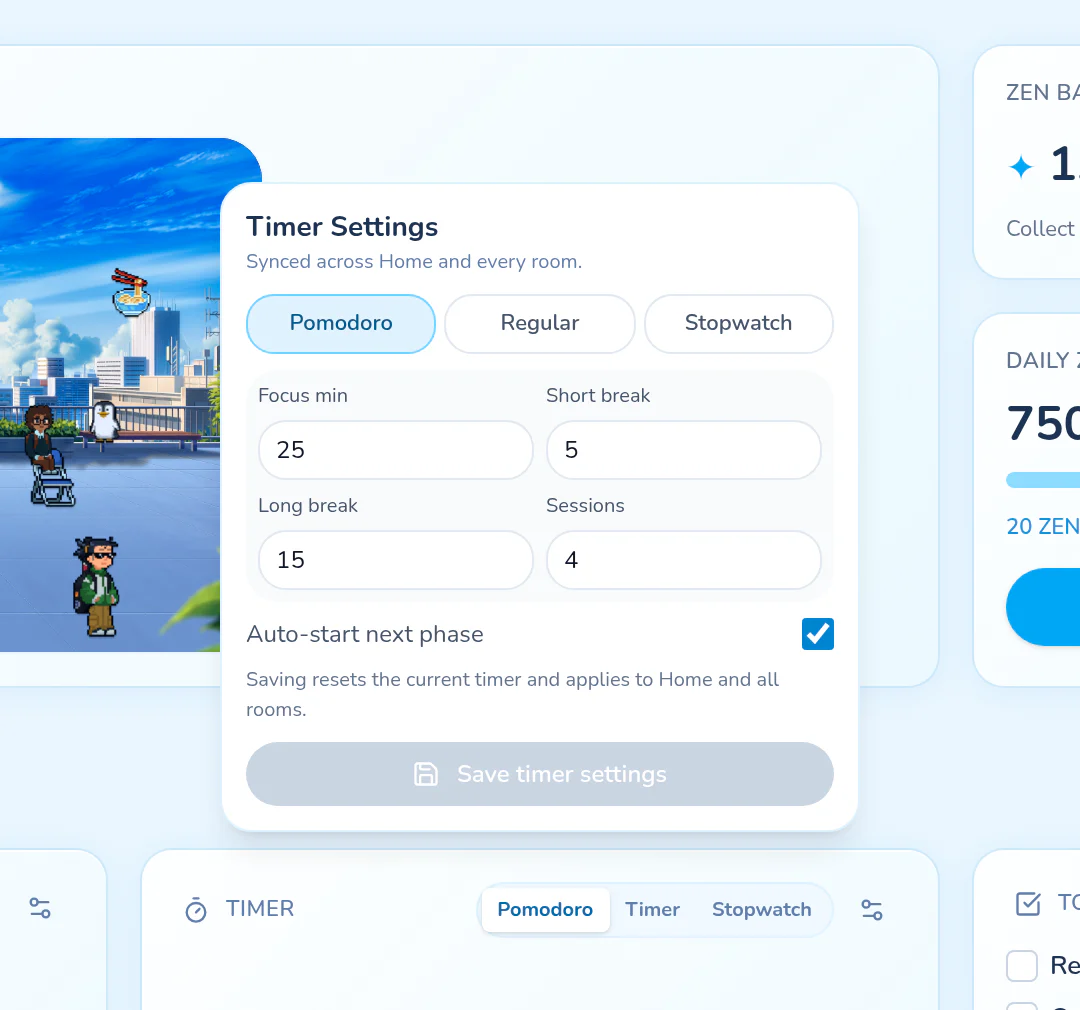
Let your room hold the timer
Use the Pomodoro widget alongside your room and task list. Home and rooms share the timer state, so switching between them does not mean setting up a separate countdown. The browser-tab countdown keeps the remaining time visible when you move to other work.
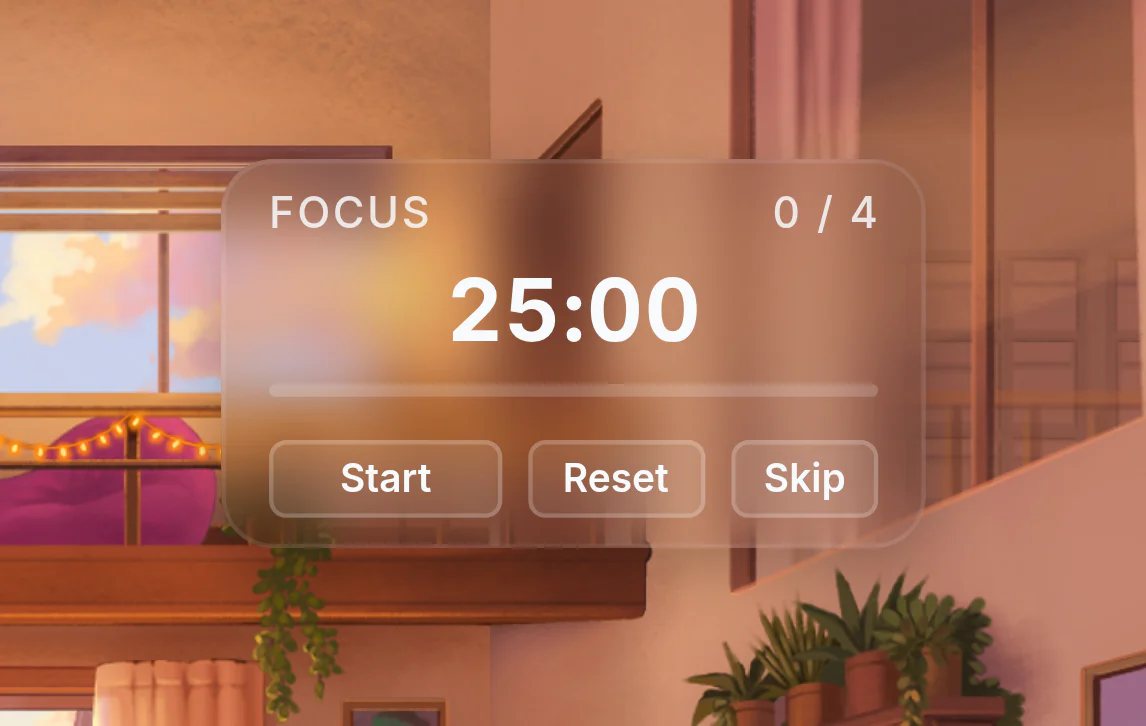
Make the cues feel right
Adjust timer sound settings and the final countdown to suit your environment. Widget themes let you change the appearance too; some styles require Premium. An aesthetic Pomodoro timer should feel at home in the space you have made.
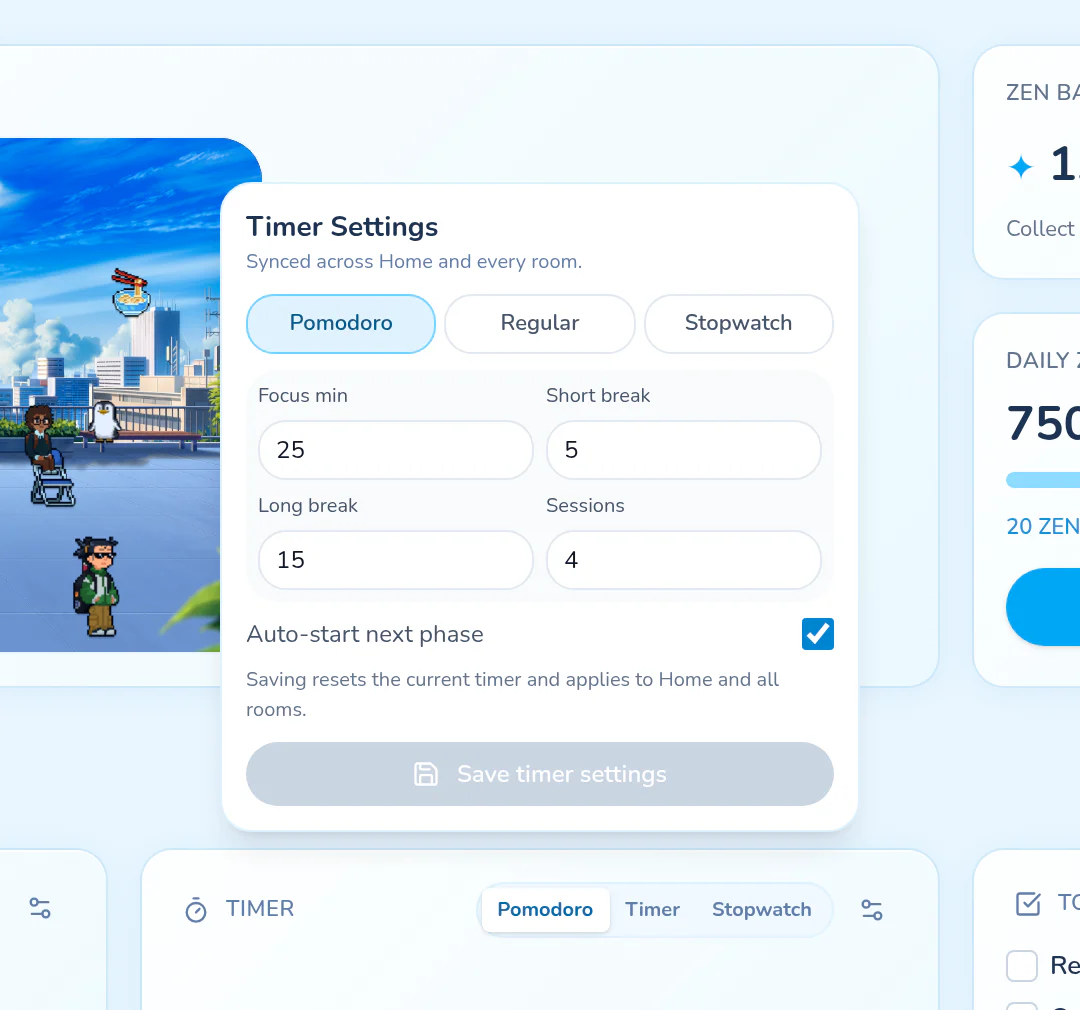
See the time you actually set aside
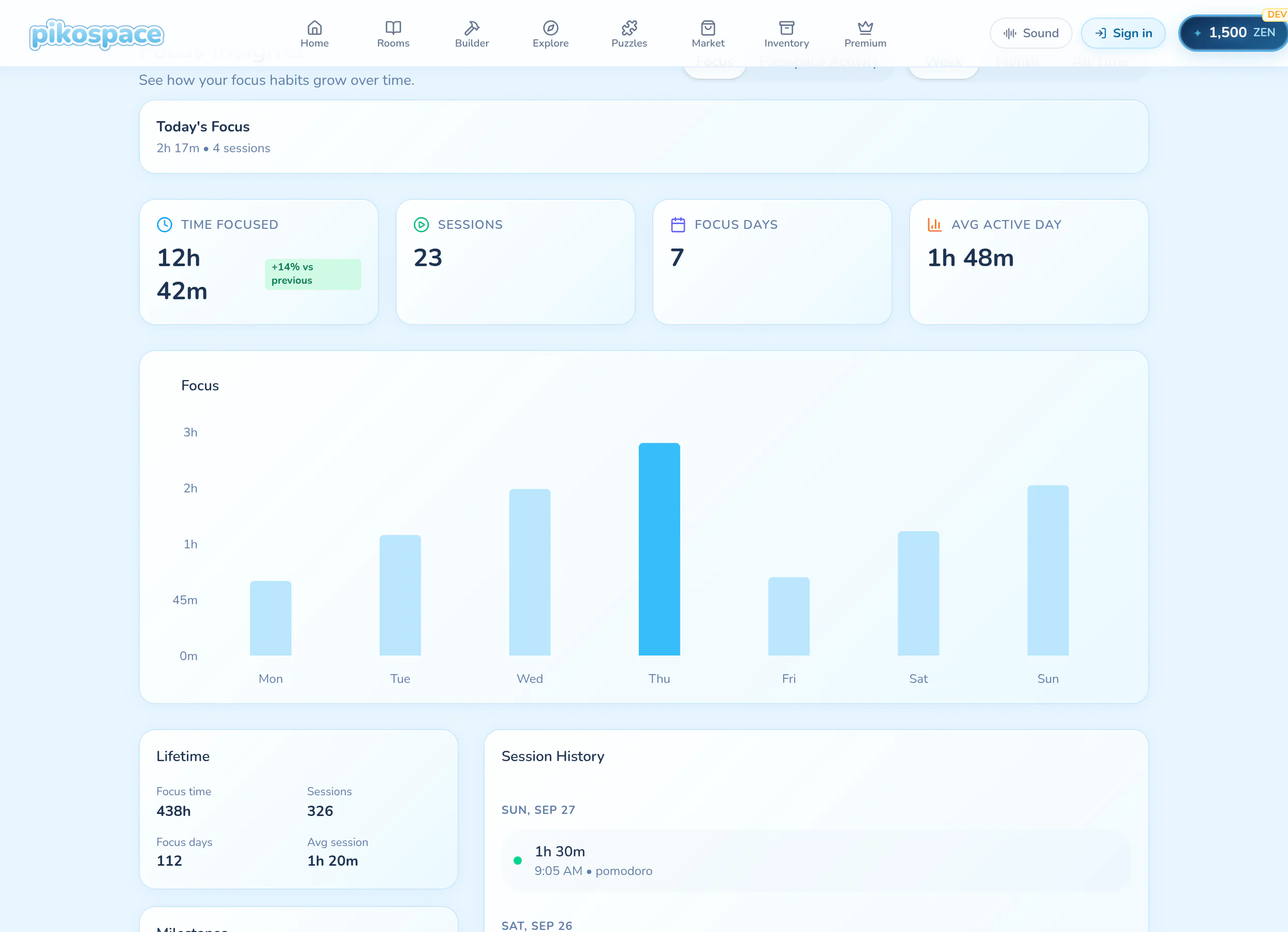
Recorded focus sessions contribute to Focus Time in Focus Insights. That is different from simply having Pikospace open, and break time is not a shortcut to more focused minutes. Look back at your sessions without turning every day into a score.
COME MAKE YOURSELF AT HOME
Make pomodoro timer part of your space.
Choose an inviting room, keep your tools nearby, and begin with the time you have.
Start Focusing — Free